Diagnostics, Learning & Attendance Resources
Fox Trail Academy uses Lexia, Zearn, and Lekktura to support individualized instruction, monitor progress, and maintain attendance records. Login information and secure family links are provided directly by Fox Trail Academy to protect student information.
Lexia Core5 Reading
What is Lexia?
Lexia Core5 is an adaptive literacy program for students in prekindergarten through fifth grade. It provides personalized instruction in phonological awareness, phonics, vocabulary, fluency, structural analysis, and reading comprehension.
Lexia continuously collects information as students complete activities. Its embedded assessment technology helps teachers identify current skill levels, monitor progress, and determine when a student may need additional instruction or practice. Because this information is gathered during regular learning activities, students do not have to stop for a separate Lexia test each time progress is reviewed.
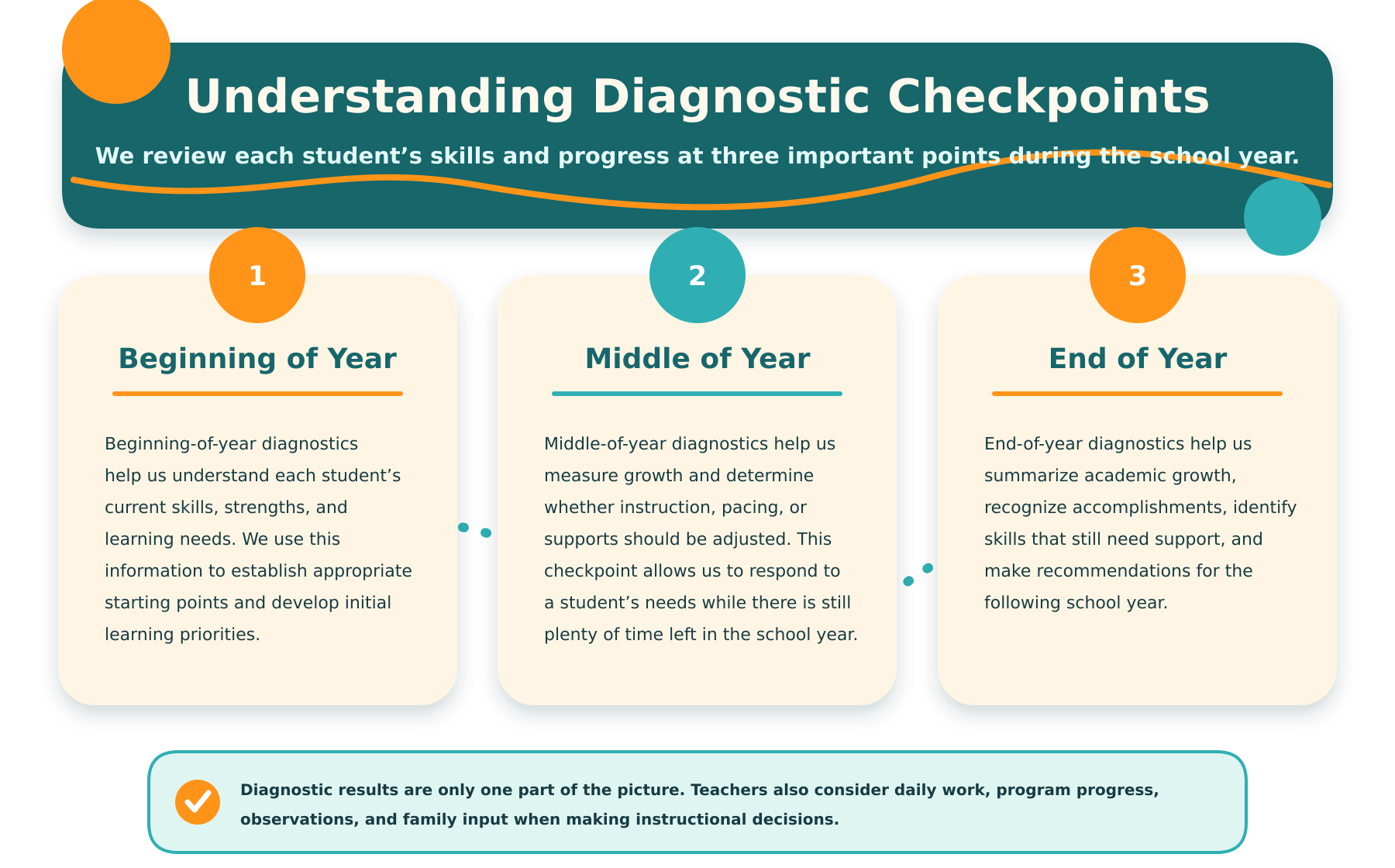
Fox Trail Academy reviews Lexia data during the beginning-, middle-, and end-of-year diagnostic periods, as well as throughout the school year.
How to Access Lexia
1. Visit the official Lexia login page.
2. Select Lexia Core5 Reading.
3. Enter the student username and password provided by Fox Trail Academy.
4. If Lexia requests a teacher email, school code, or setup information, contact your child’s teacher before continuing.
Lexia does not provide families with a separate general parent dashboard. Families may contact Fox Trail Academy for progress information or a teacher-generated Lexia report.
Zearn Math
What is Zearn?
Zearn is an online math program that combines grade-level instruction, visual models, guided practice, and independent problem-solving. It allows students to work through lessons at an appropriate pace while giving teachers information about lesson completion, areas of success, and areas of struggle.
Zearn is primarily an instructional program rather than a stand-alone standardized diagnostic assessment. Fox Trail Academy uses Zearn progress reports, student work, and teacher-administered assessments together when reviewing math skills at the beginning, middle, and end of the year.
How to Access Zearn
1. Visit Zearn.org.
2. Select Sign In.
3. Enter the student username and password provided by Fox Trail Academy.
4. If prompted for a class code, enter the code supplied by your child’s teacher. The class code is generally needed only when joining the class for the first time.
Parents can view the student’s current lesson and earned badges through the student account. More detailed Zearn reports are available through the teacher.
Zearn login directions for families
Zearn family resources
Lekktura Attendance
What is Lekktura?
Lekktura is the recordkeeping system Fox Trail Academy uses to document attendance. Attendance records may include whether a student was present, absent, or late, along with attendance percentages and patterns over time.
Lekktura does not administer reading or math diagnostics. Its purpose is to maintain attendance and other school records. Attendance information may be reviewed alongside academic progress during beginning-, middle-, and end-of-year conferences.
How Parents Access Lekktura
Lekktura does not require families to use the staff login page.
1. Fox Trail Academy sends each family a private Lekktura link by email.
2. Open the link in any web browser.
3. Review the attendance and progress information available for your child.
4. Save the email or bookmark the secure link for future reference.
Each link is unique to the student and should not be forwarded or shared. If you cannot locate your link, contact Fox Trail Academy and request that it be resent.
Learn more about Lekktura’s family access
Need Help?
If a username, password, class code, or Lekktura link is missing or not working, please contact Fox Trail Academy. For student privacy, login information should not be shared in group emails, public messages, or social-media posts.